Light Clipboard — press kit
Everything needed to write about the app. Quote freely; the images may be used in any coverage.
In one sentence
Light Clipboard is a snippet keyboard for iPhone and iPad: save the text you retype all day, then tap it into any app, from a keyboard that never asks for Full Access.
In one paragraph
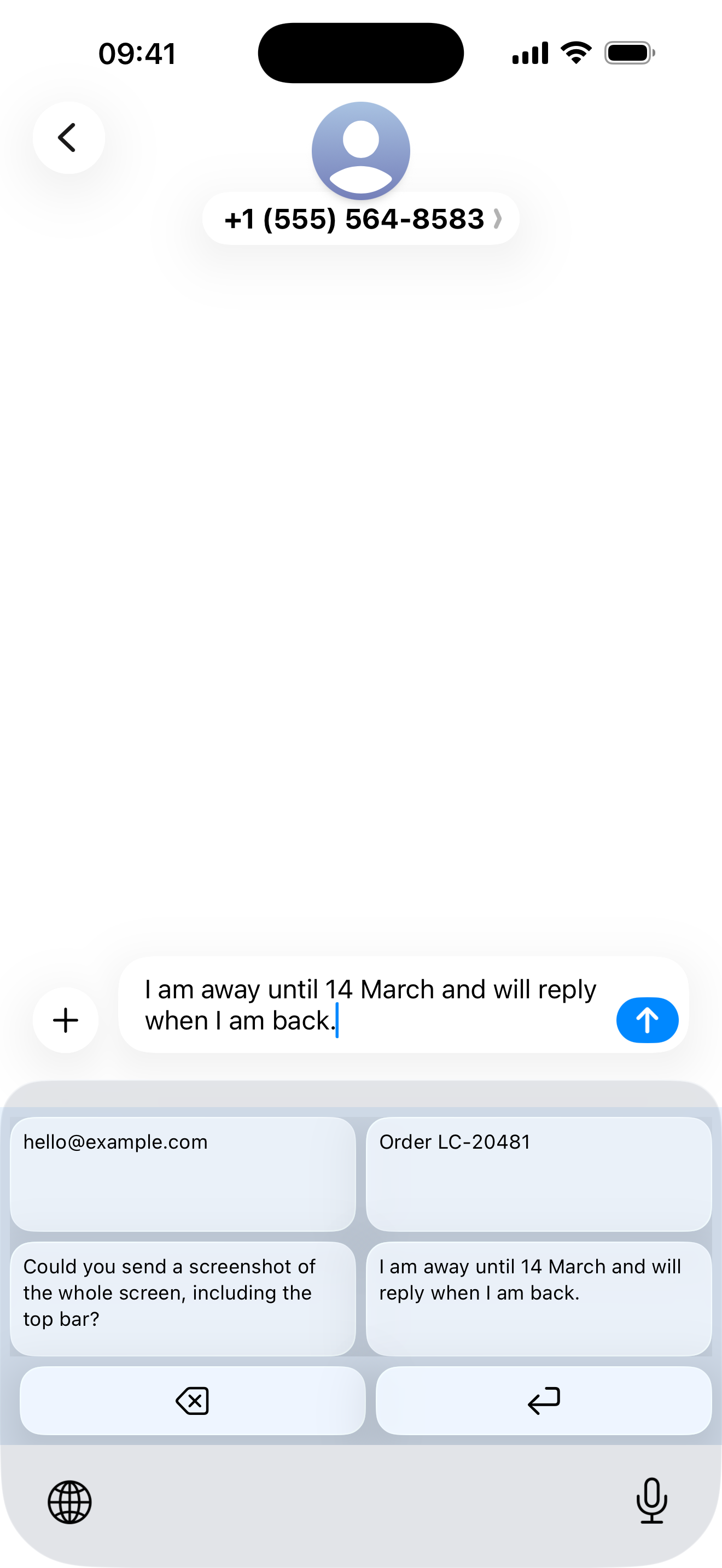
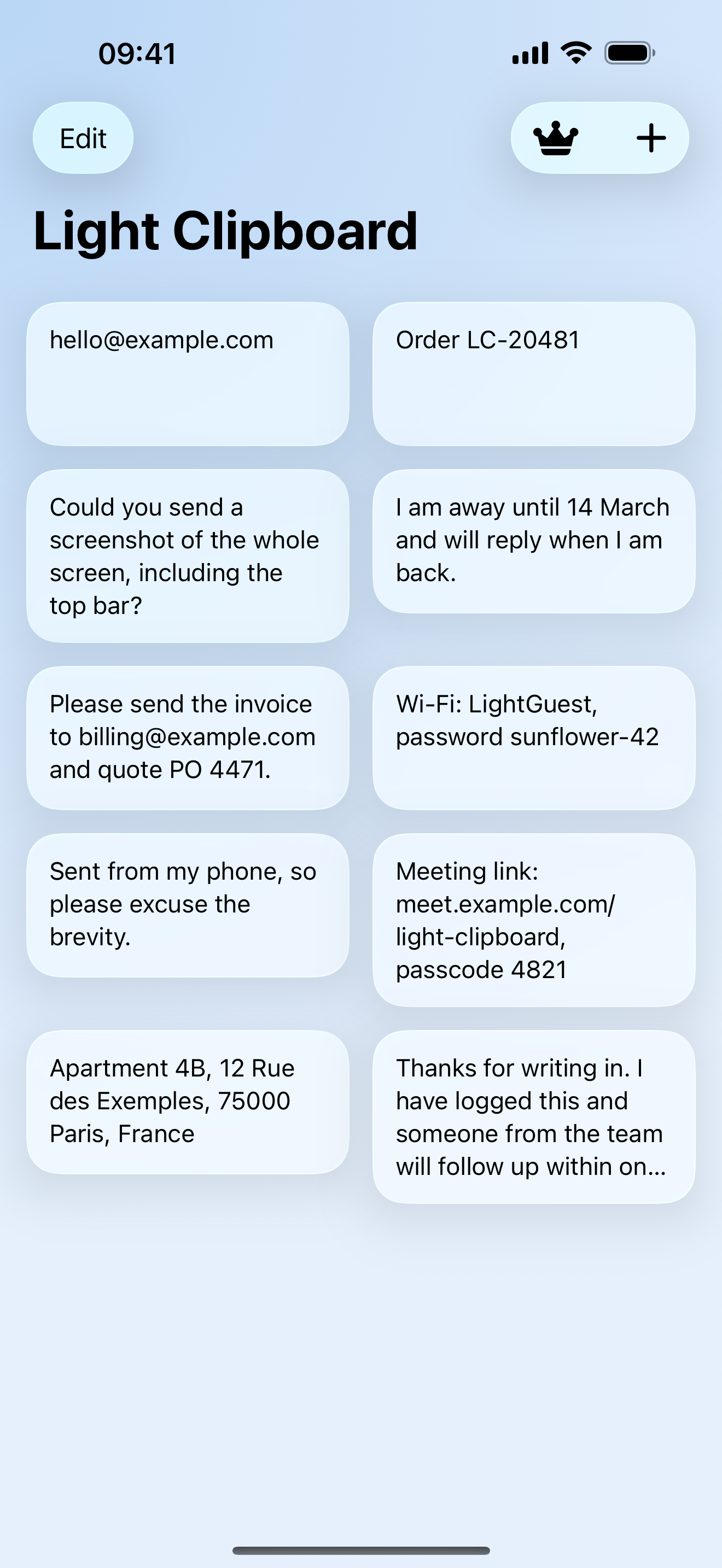
Your email address, a phone number, the reply you send twenty times a week, an address, a block of hashtags: save each one once in the app, and the Light Clipboard keyboard types it into whatever you are writing with one tap, without copying and without switching apps. The keyboard runs in the restricted sandbox iOS gives a keyboard by default, so it has no network access, cannot see what you type, and keeps nothing but the snippets you saved. Snippets can also be copied or created from the Shortcuts app and Siri. The app is translated into 30 languages, is free for three snippets, and lifts the limit with a subscription, a one-off lifetime unlock, or small slot packs.
Facts
| Name on the App Store | Light Clipboard: Quick Paste |
| Platforms | iPhone and iPad, iOS 18.2 or later |
| Price | Free for three snippets. Unlimited Monthly US$1.99, Unlimited Yearly US$9.99, both with a free week; Lifetime Unlock US$19.99; slot packs of 3, 5, 10 or 20 as one-off purchases. Prices vary by country. |
| Privacy | No account, no analytics, no network access in the keyboard, no Full Access requested. Snippets stay on the device, shared with the keyboard through a private app group. |
| Languages | 30 (31 localizations) |
| Automation | Shortcuts actions and Siri phrases to copy a snippet, get a snippet, or add a new one |
| Current version | 1.2 — a redesign with named snippets, undoable deletion, VoiceOver and Dynamic Type, released 10 October 2026 |
| Developer | Ruslan Zhafiarov, independent developer |
| App Store | apps.apple.com/app/id6809220751 |
| Support and privacy | this site, privacy policy |
| Background reading | What an iOS keyboard can't do without Full Access |
Why it is different
- Most keyboards with cloud features ask for Full Access, with the system warning about everything you type. Light Clipboard has no such switch at all; the restriction is enforced by iOS, not by a promise.
- It inserts text through the keyboard, so whatever is already on the clipboard stays there.
- It is not a clipboard-history manager: it keeps the snippets you choose, nothing else.
Video
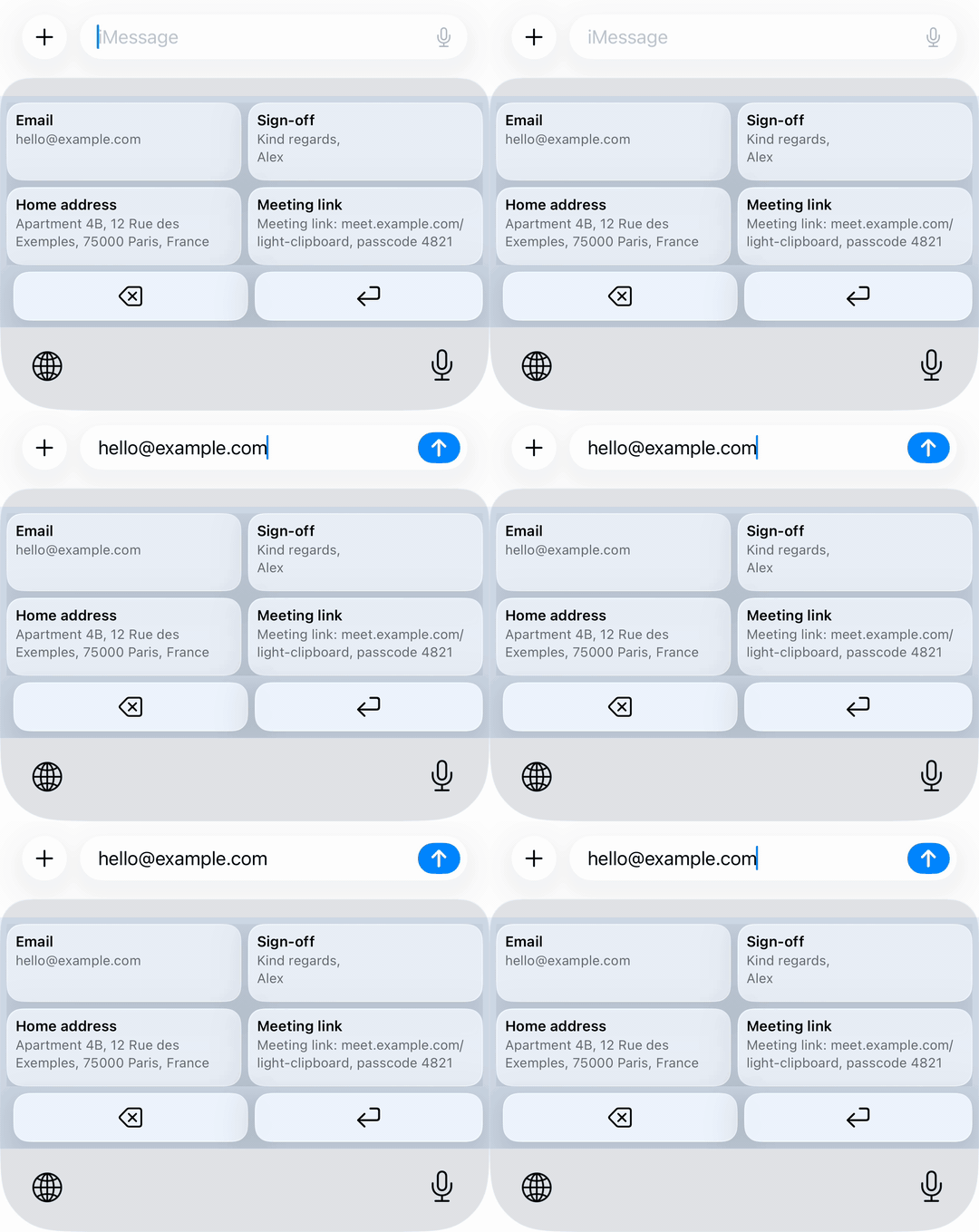
A 24-second vertical clip of the keyboard in use (1080 × 1920, H.264), and a short GIF of a tile inserting text. Both may be embedded or re-cut.
social-9x16.mp4 (1.3 MB) · keyboard-tap.gif (93 KB)
Images
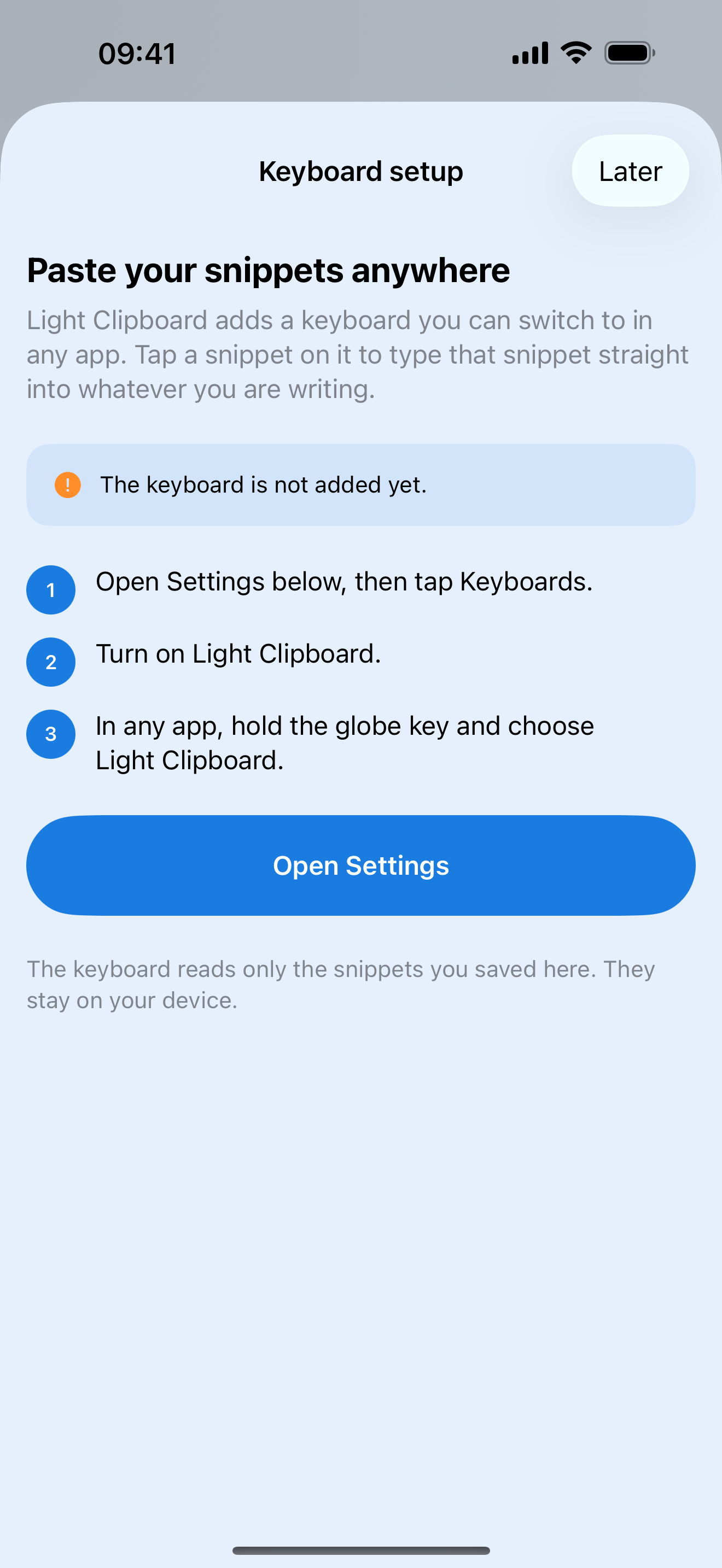
App icon, 1024 × 1024, and iPhone screenshots at 1320 × 2868. Tap to open the full-size file.
Contact
Ruslan Zhafiarov, zhafiarov.rus@yahoo.com. Happy to answer questions, provide a lifetime unlock for review, or talk about the keyboard sandbox.
View on the App Store